 Blender · Free
MotionSmith Surface
Generate mesh textures or extract PBR maps from one image. The built-in installer detects existing ComfyUI installations and reuses verified model weights.
Automatic setupMulti-view texturingUV bakePBR maps
AI-assisted tools for creators who want more control — from text-to-motion in Unreal Engine to multi-view texturing and PBR materials in Blender.
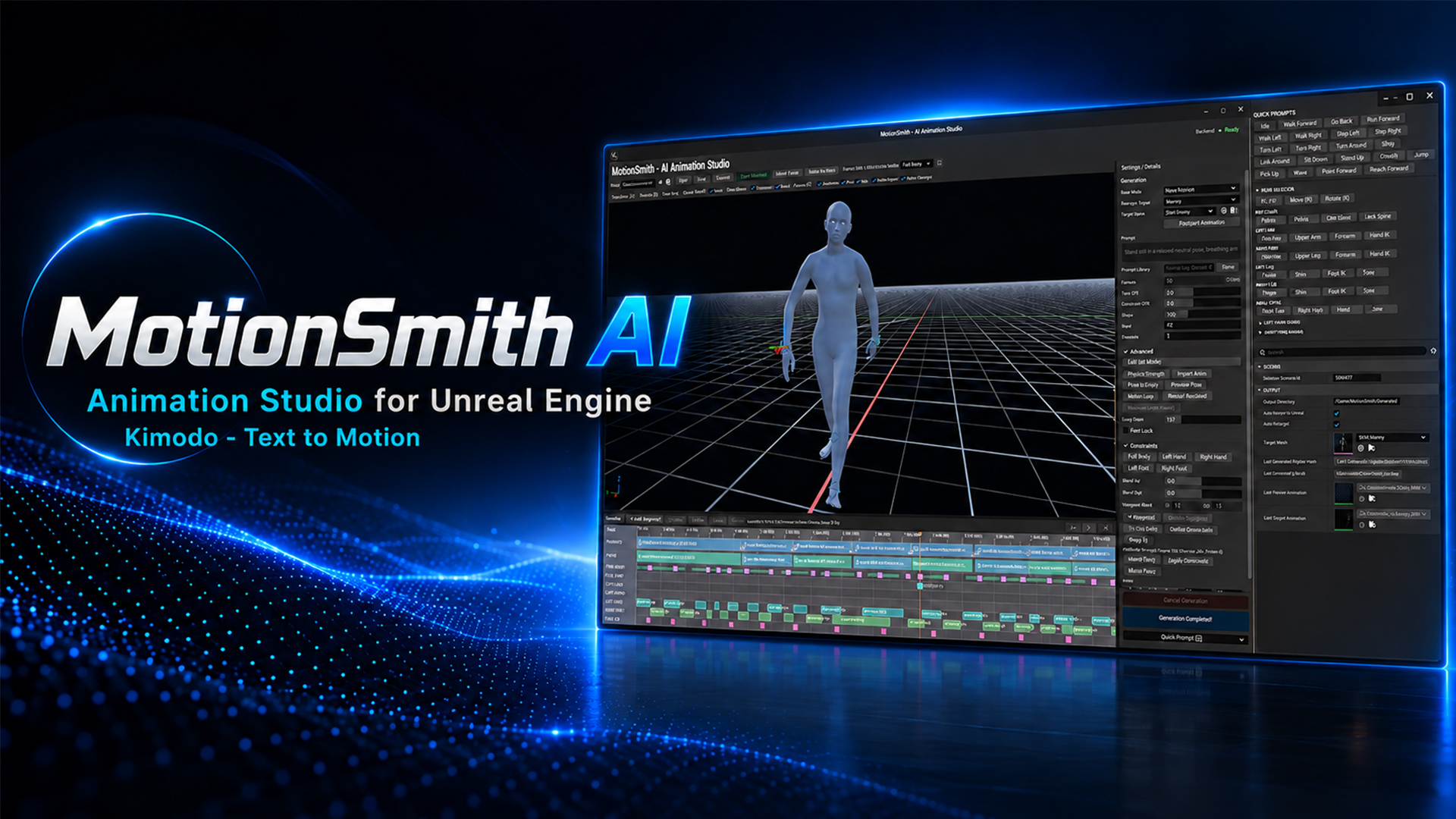
From animation creation to surface detail, discover the public MotionSmith tools and related independent projects.
Blender · FreeGenerate mesh textures or extract PBR maps from one image. The built-in installer detects existing ComfyUI installations and reuses verified model weights.
Unreal Engine · FreeMotionSmith 1.0.0 for Unreal Engine 5.8: text-driven motion, timeline segments, continuation and retargeting. The Windows runtime and Meta Llama weights are installed separately.
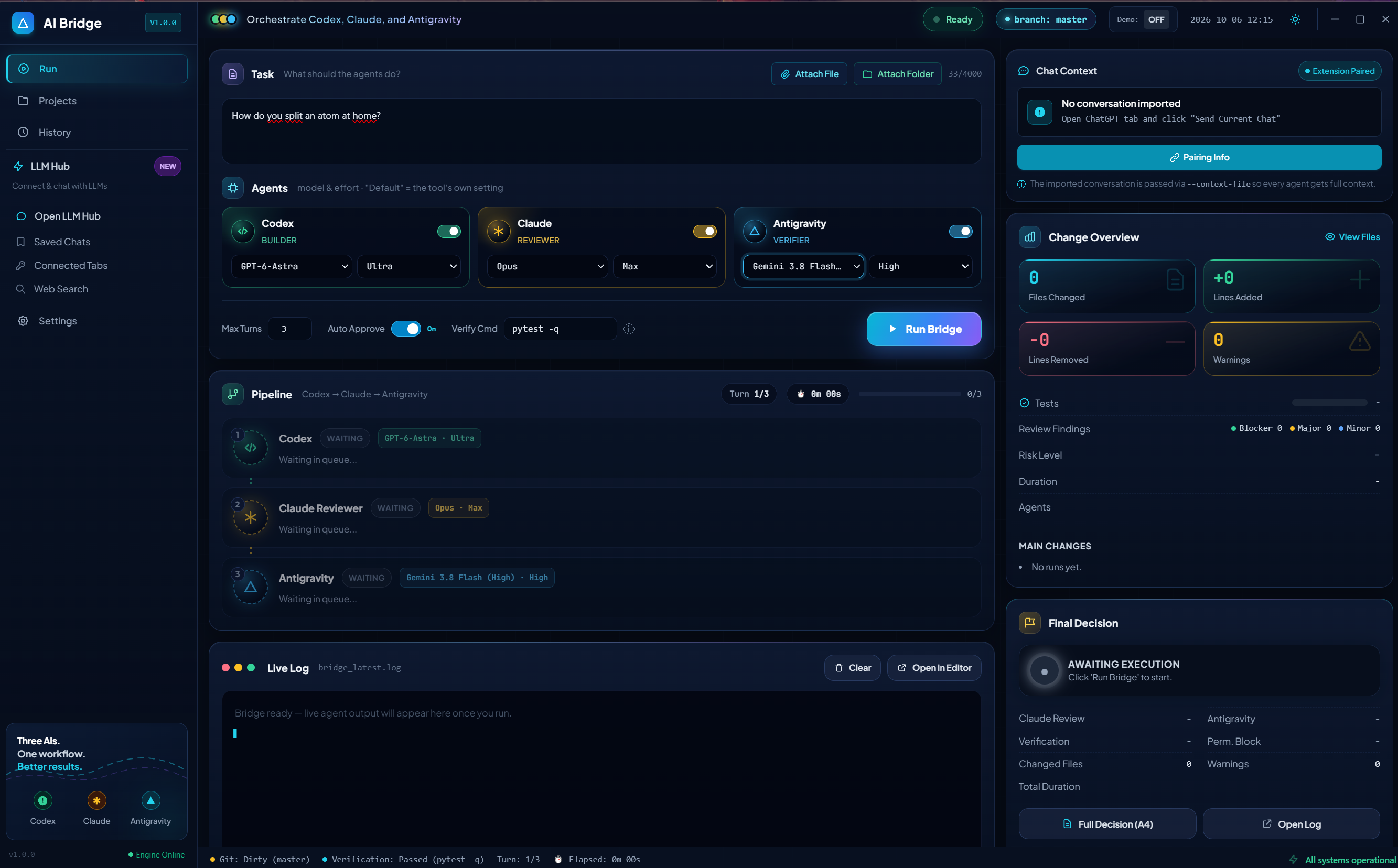 Developer tools
Coordinate coding agents and collaborate across existing LLM browser sessions in a local Electron workspace.
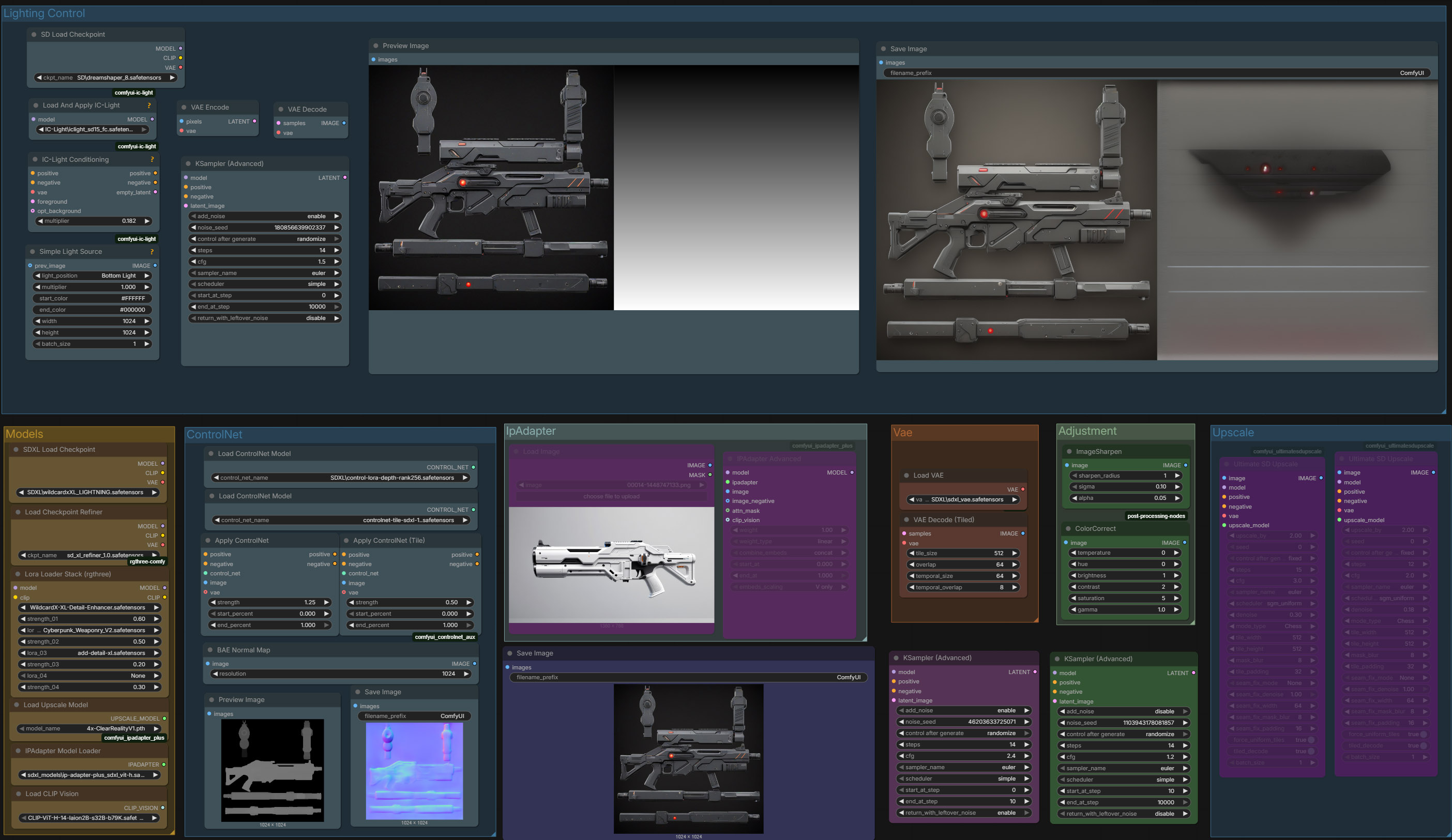 Community workflow
An advanced 3D asset texturing workflow combining SDXL, ControlNet, IP-Adapter and multi-pass upscaling.
Products connect familiar creative applications with generation and editing workflows — keeping your work in the tools you already use.
Start from prompts, images or existing animation. Use available production tools rather than isolated one-off demos.
Work in Unreal Editor or Blender to author animation and control texture/material outcomes.
Export Unreal animation assets or save textures and Blender materials as part of your wider content pipeline.
Choose the right project repository, download guide or runtime before installing. Requirements and licenses differ by product.
External runtime supporting AI Animation Studio for Unreal Engine. Windows runtime and its model dependencies are documented here.
Open Hugging Face repository ↗MotionSmith Animate worker packages, starter animations and update metadata. The shared MSR Python/model runtime remains a separate dependency.
Browse Animate runtime assets ↗Model-free Windows backend for Blender texturing and image-to-material workflows. Model weights download separately; Chord components are research-only.
Browse Surface backend ↗Installation, setup requirements, feature explanations and troubleshooting are maintained on the product documentation pages.
Read documentation ↗RTX 50-series Hunyuan3DWrapper installation and custom rasterizer compilation notes from a tested Windows setup.
See the installation guide ↗Browse repositories, check documentation, follow releases, and report reproducible issues on individual project pages.
View all repositories ↗Discover additional tools, product announcements and current project links from OneManStudio.
Visit the studio website ↗